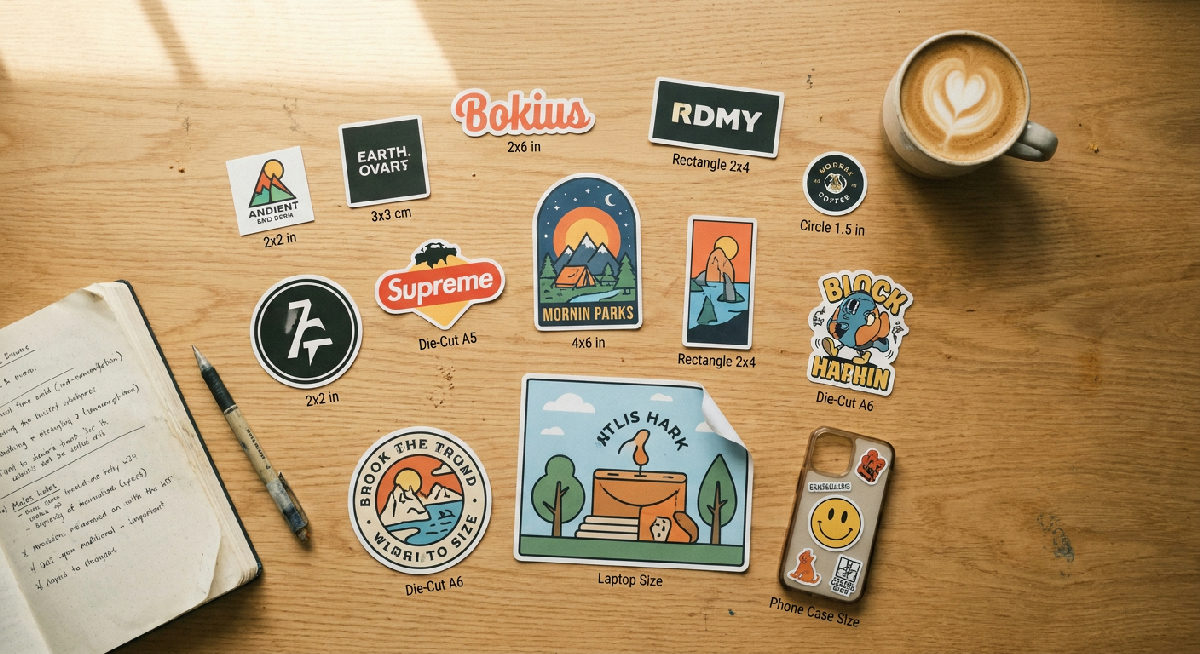
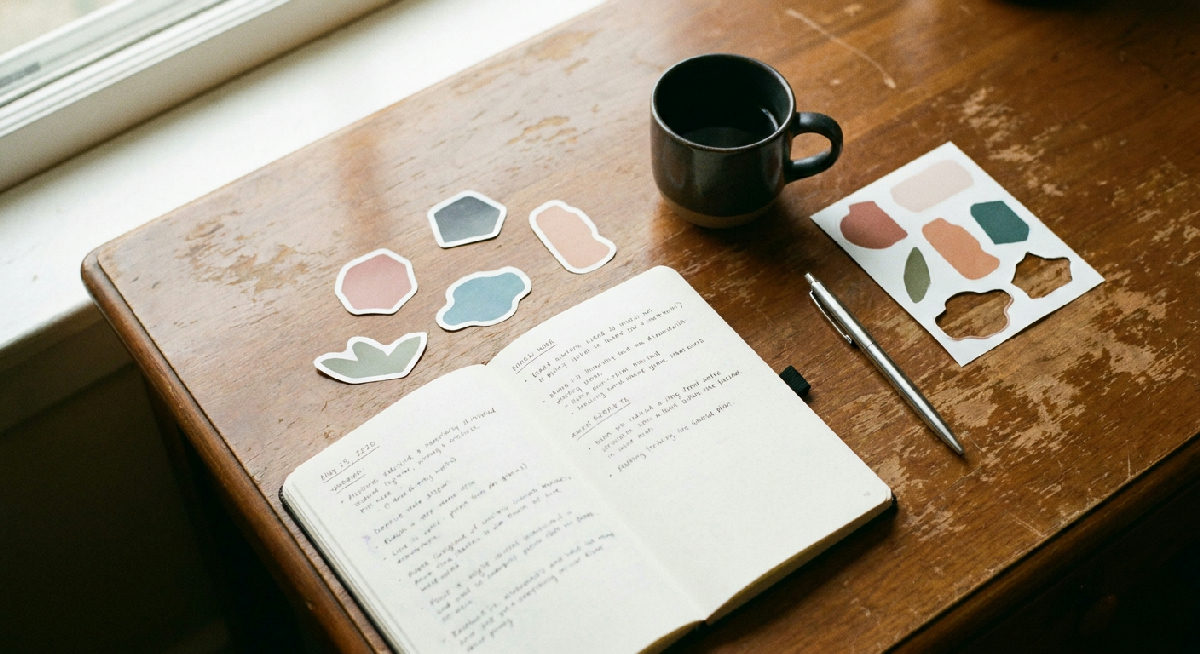
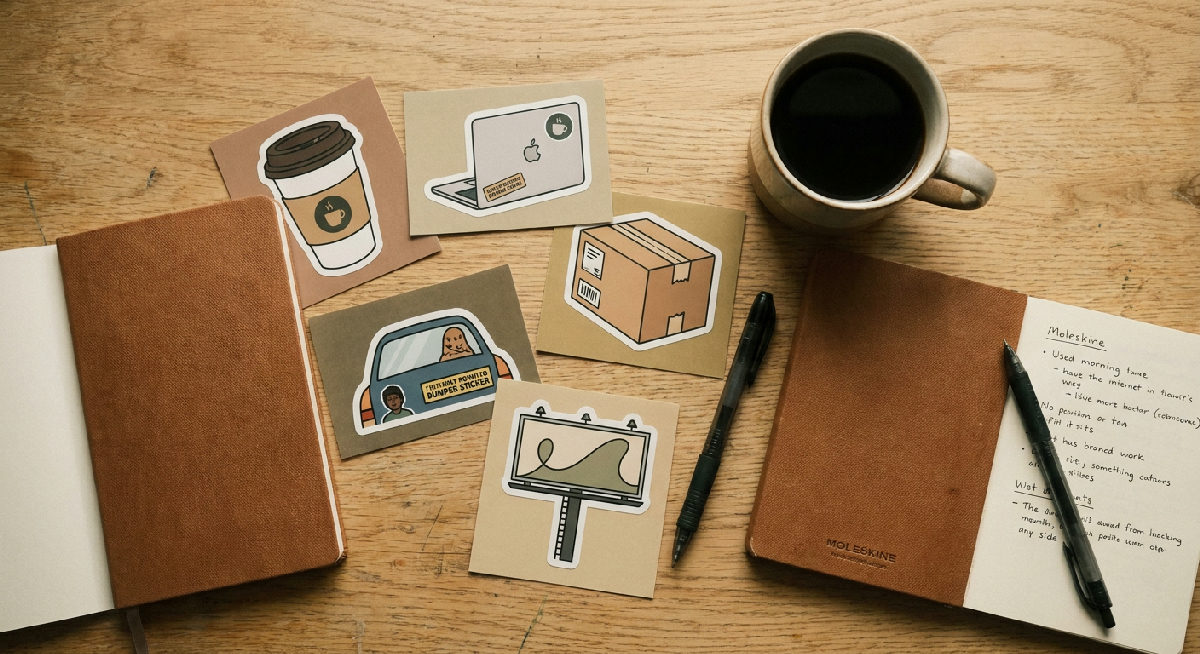
See it in action, real Stickerine QR-code stickers
Here are real QR-code stickers we printed in our 30,000 sq ft Florida + Greenville, SC factory on our Epson 11-color UltraChrome printers, laminated with 3M vinyl, then die-cut on our Kongsberg X24 CNC.
AstroPizza menu sticker, half illustrated logo, half scannable QR code. The white quiet zone around the code is what makes it scan from 3+ feet away.Upslope Brewing product label, high-contrast black-on-white QR with brand lockup above. Laminated for cooler condensation and outdoor sun.
Upload your QR code or paste your URL, our generator builds a high-res vector code with the right error-correction level (Level H, 30%) so it still scans if it gets scratched.
Pick size + quantity, minimum 1" x 1" for reliable phone scanning. Live price updates as you change quantity.
Add to cart, get your free digital proof, ship in 3 days. Free shipping over $75.
> 💡 Tip: Always test-scan your final proof from your phone before approving. Send it to a coworker with a different phone too. We catch most scan-fail issues at proof, but the 30 seconds you spend testing is the cheapest insurance there is.
Printed in our own factory
Why our stickers actually last.
Every order on this page is printed, laminated, and cut in-house at Stickerine. No brokers, no outsourcing, no template-only shapes.
Configure size, material, and quantity, instant pricing, free digital proof.
Open the QR-code sticker configurator, pick die-cut shape, kiss-cut, or rectangle.
Upload your QR code or paste your URL, our generator builds a high-res vector code with the right error-correction level (Level H, 30%) so it still scans if it gets scratched.
Pick size + quantity, minimum 1" x 1" for reliable phone scanning. Live price updates as you change quantity.
Every order on this page is printed, laminated, and cut in-house. No brokers, no outsourcing, no template-only shapes.
More from the blog
The size of your sticker matters just as much as the design. Too small, and it's hard to read. Too big, and it won't fit where customers want to use it.
When ordering custom stickers, you'll see two popular options: die cut and kiss cut. Both are trending in 2025, but which is right for your project?
Glossy vs Matte vs Holographic Stickers: Which Finish Is Best for You?
Choosing the right finish can change the entire feel of your sticker. Glossy is shiny and smooth. Matte is flat with a subtle texture. Holographic is reflective and colorful.
Print QR-code stickers that work.
Factory direct prices. 11-color Epson UltraChrome printing. Free shipping over $75. Most orders ship in 3 days.
Design your own, pick a sticker type
Cut to any shape
Peel-friendly backing
Multiple designs, one sheet
Rainbow shimmer finish
Transparent vinyl
Scan-to-link
Premium custom stickers made in the USA. Fast turnaround, free shipping on orders over $75.

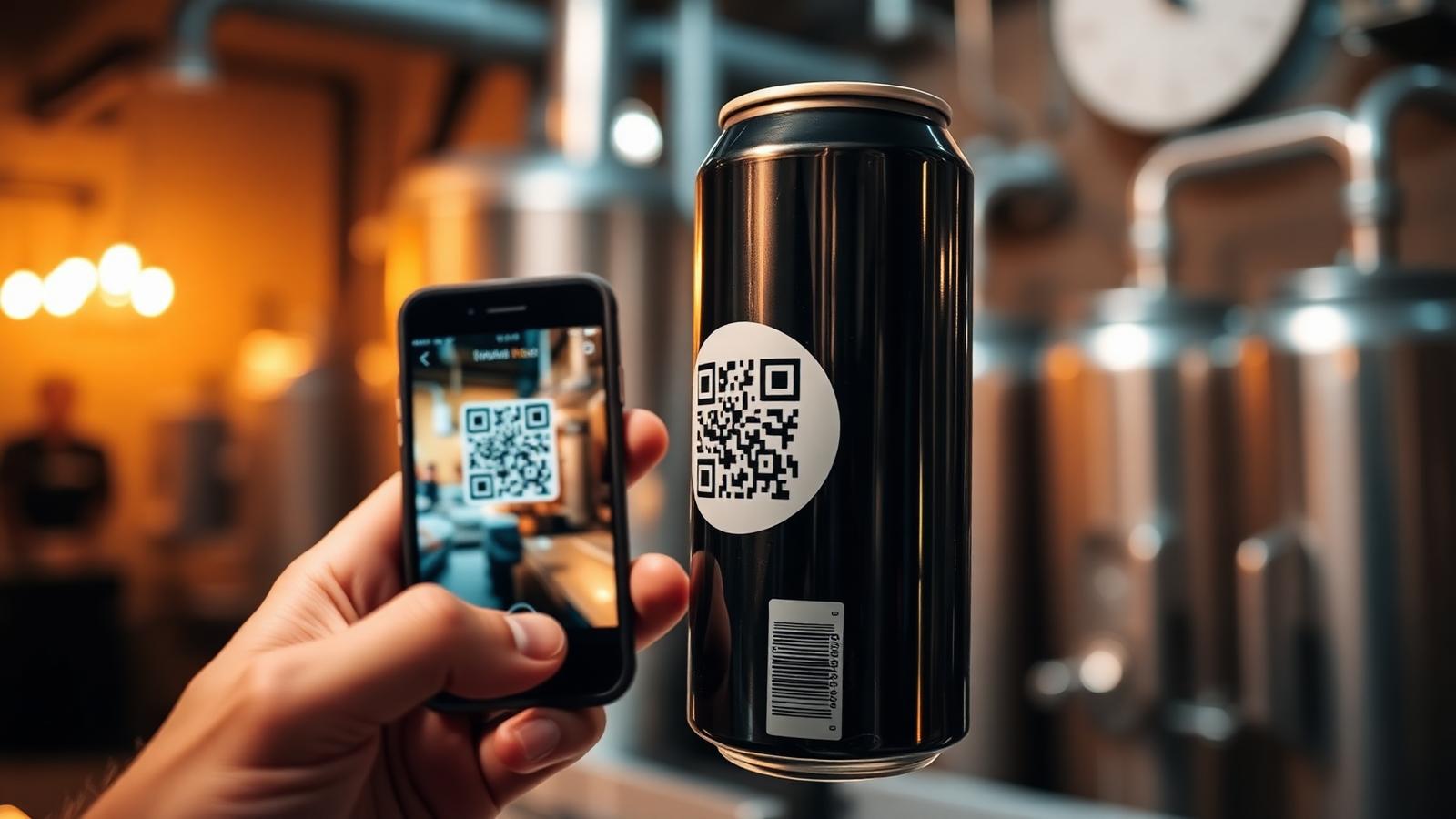
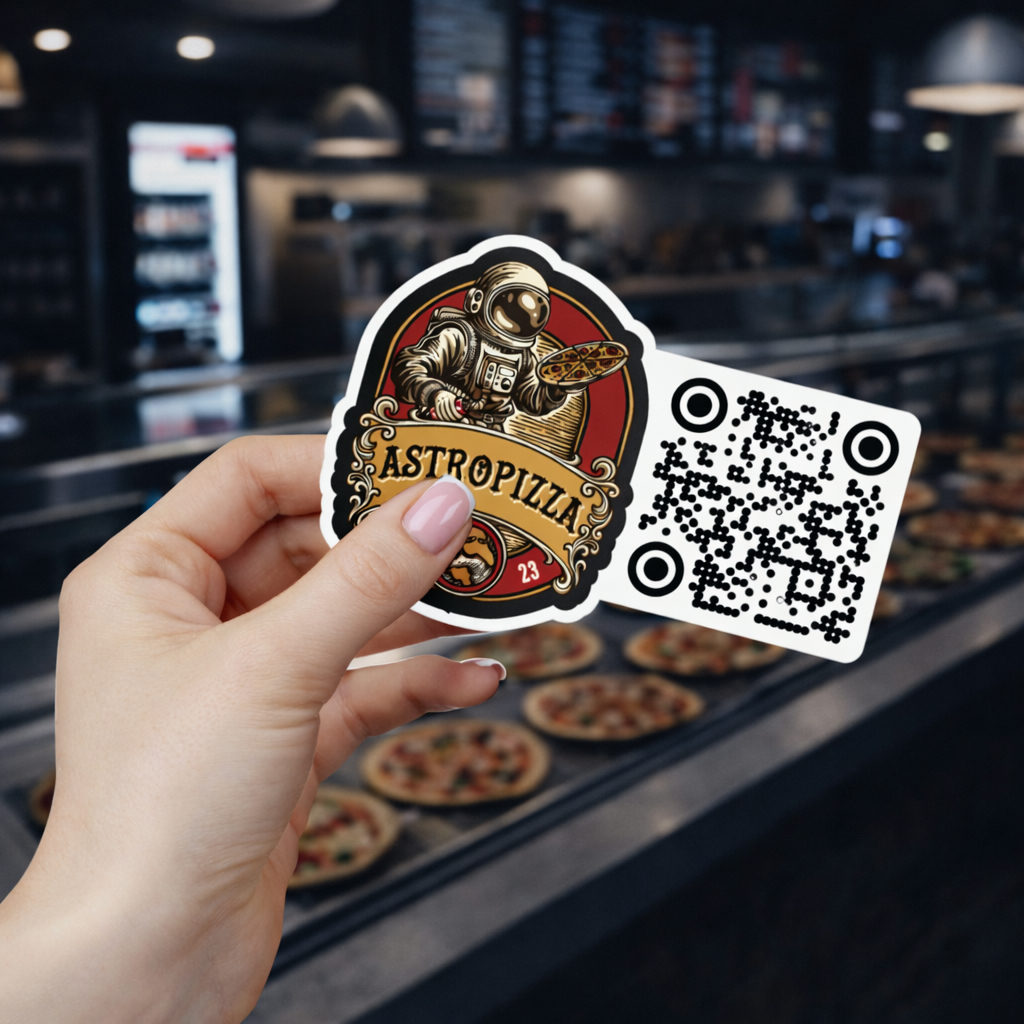 AstroPizza menu sticker, half illustrated logo, half scannable QR code. The white quiet zone around the code is what makes it scan from 3+ feet away.
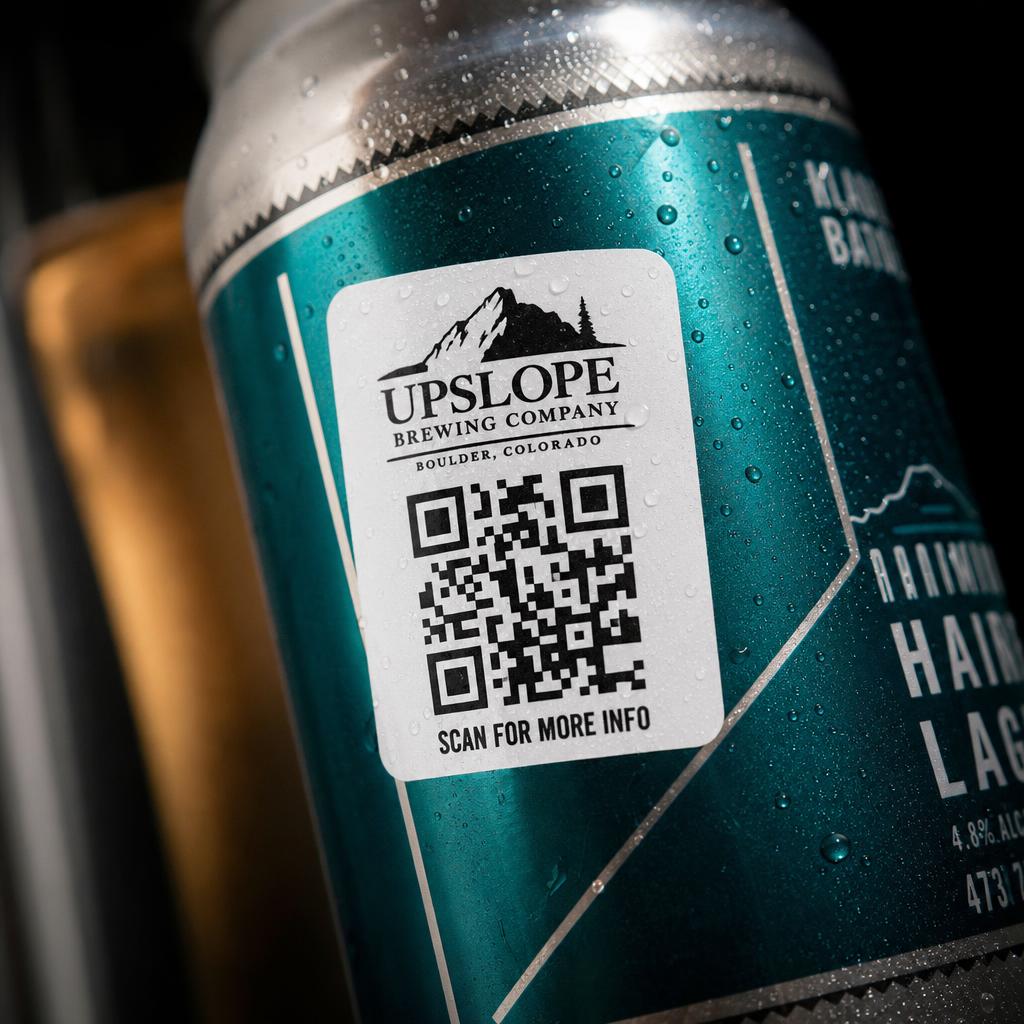 Upslope Brewing product label, high-contrast black-on-white QR with brand lockup above. Laminated for cooler condensation and outdoor sun.